
Bulk Editing Metadata in ReadCube
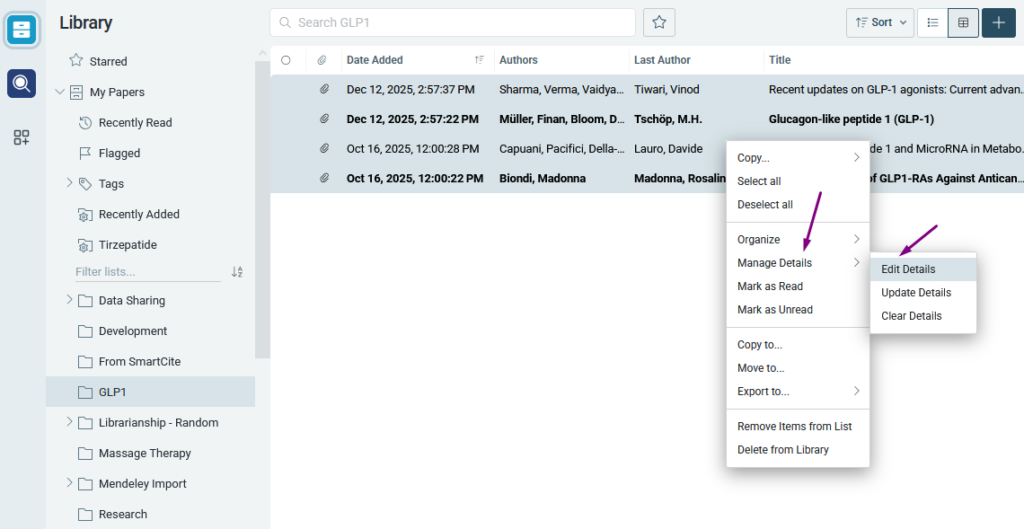
You can edit the metadata of multiple references in your ReadCube library at the same time. To get started, select the references you want to edit. Press Cmd/Ctrl + A to select every reference in the current list, or hold Cmd/Ctrl and click individual references to select them one at a time.
Next, right-click your selection, choose Manage Details, and then select Edit Details.
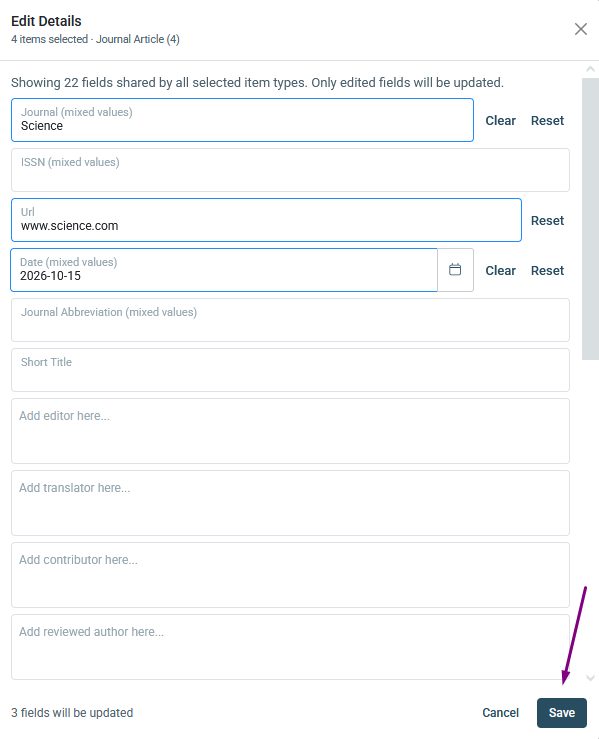
The Edit Details window opens. It shows how many references you are editing, along with every metadata field you can change.
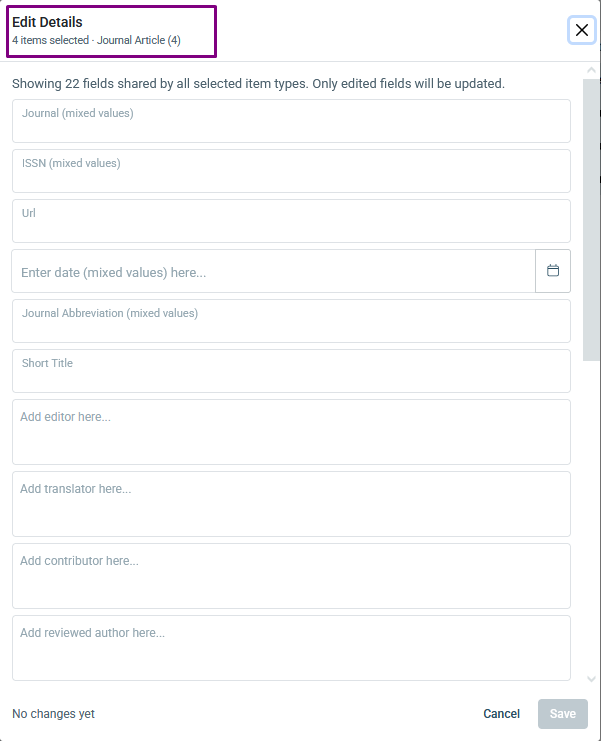
Note: If you see “mixed values” in a field, the selected references currently have different values in that field.
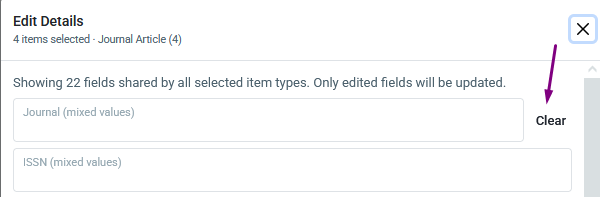
For each field, you can clear it completely, or type or paste in a new value. To clear a field, click Clear next to it.
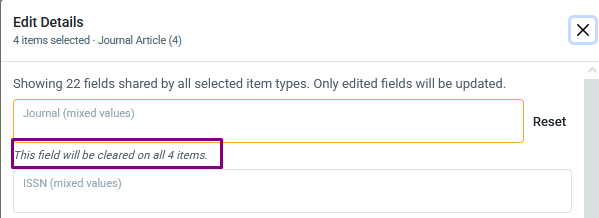
A message confirms that the field will be cleared on all of the selected references. To undo a change to a field, click Reset.
Only the fields you edit are updated, and all other fields stay as they are. When you have finished, the bottom of the window shows how many fields will be updated. Click Save to apply your changes.
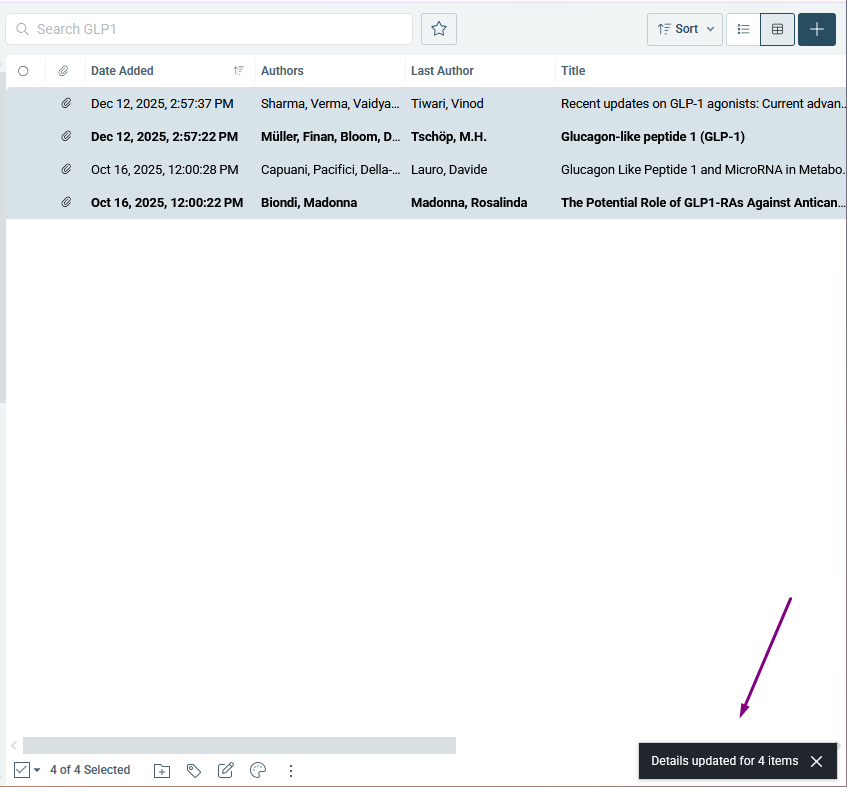
A confirmation message appears once your references have been updated.
If you have any questions, please reach out to ReadCube Support at support@readcube.com.


